Reimagining Emails:
New Tools, New Looks, New Results.
We had a problem: everyone had something to say, yet we had no idea if anyone was actually seeing it. And if they did, the messages were inconsistent and unpolished. HR, Leadership Development, the C-suite, and others were all talking over each other, with varying attempts at style and no way of knowing who, if anyone, was consuming the content.
We knew about programs like MailChimp that enable custom-designed, professionally branded emails, but platforms like it are built for external subscriber lists, not employees. We needed a tool focused on emailing some or all of our employees, professionally designed and laid out, with analytics on the back end so we could see what was working and what wasn't.
Goals and Constraints
My goals were to onboard users, build templates for faster turnaround, and measure results. The constraints:
Multiple departments competed for the same inboxes.
Executives needed to approve copy but not send every message.
Employees had been trained to be wary of anything unfamiliar in their inbox.
Approach
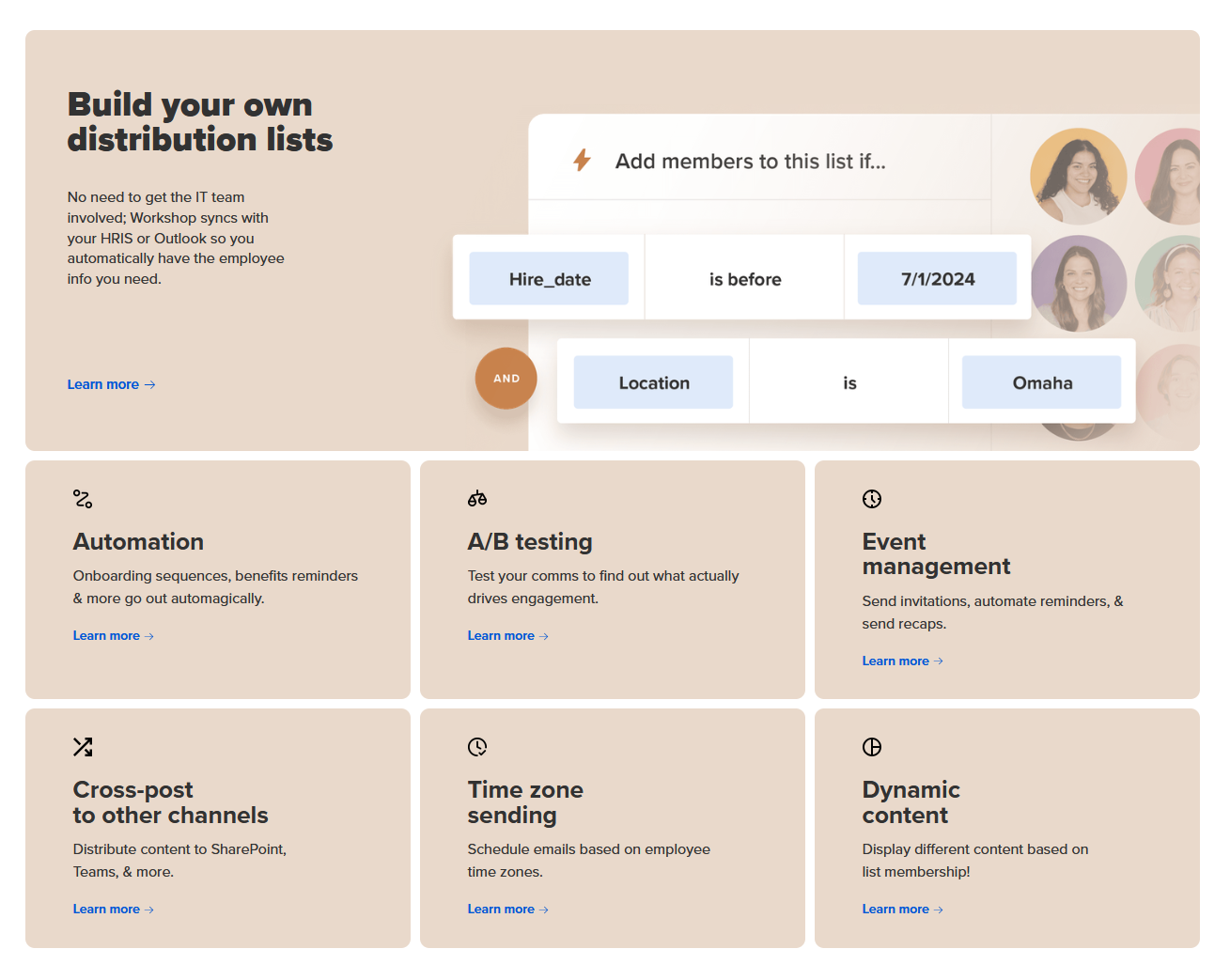
As cliché as it sounds, I found Workshop through an ad on LinkedIn. After reading up on its capabilities, I reached out to the sales team for a demo as soon as possible, and I was immediately impressed. Soon after, I pitched the platform to leadership. Once approved, I asked HR and Leadership Development for their must-haves and nice-to-haves, then built our Workshop package around them.
I trained two designers on the design tools and met with department stakeholders to learn their highest-priority communications. We built templates around those, and I set a weekly send calendar so departments stopped talking over each other.
Workshop also let us send on behalf of executives with their copy approval, with replies routed to a shared inbox so leaders weren't flooded. We had templates, trained users, and a plan. All that was left was to start sending and wait for the results.
Screenshot via Workshop
The Hurdle
Our organization places a heavy emphasis on phishing awareness training, so anything that looks different makes employees cautious. When the new, designed emails started landing, some employees assumed they were phishing. We reissued the training and pointed out that the emails carried no warning banner, and the concern faded.
Screenshot via Workshop
What the Data Taught Us
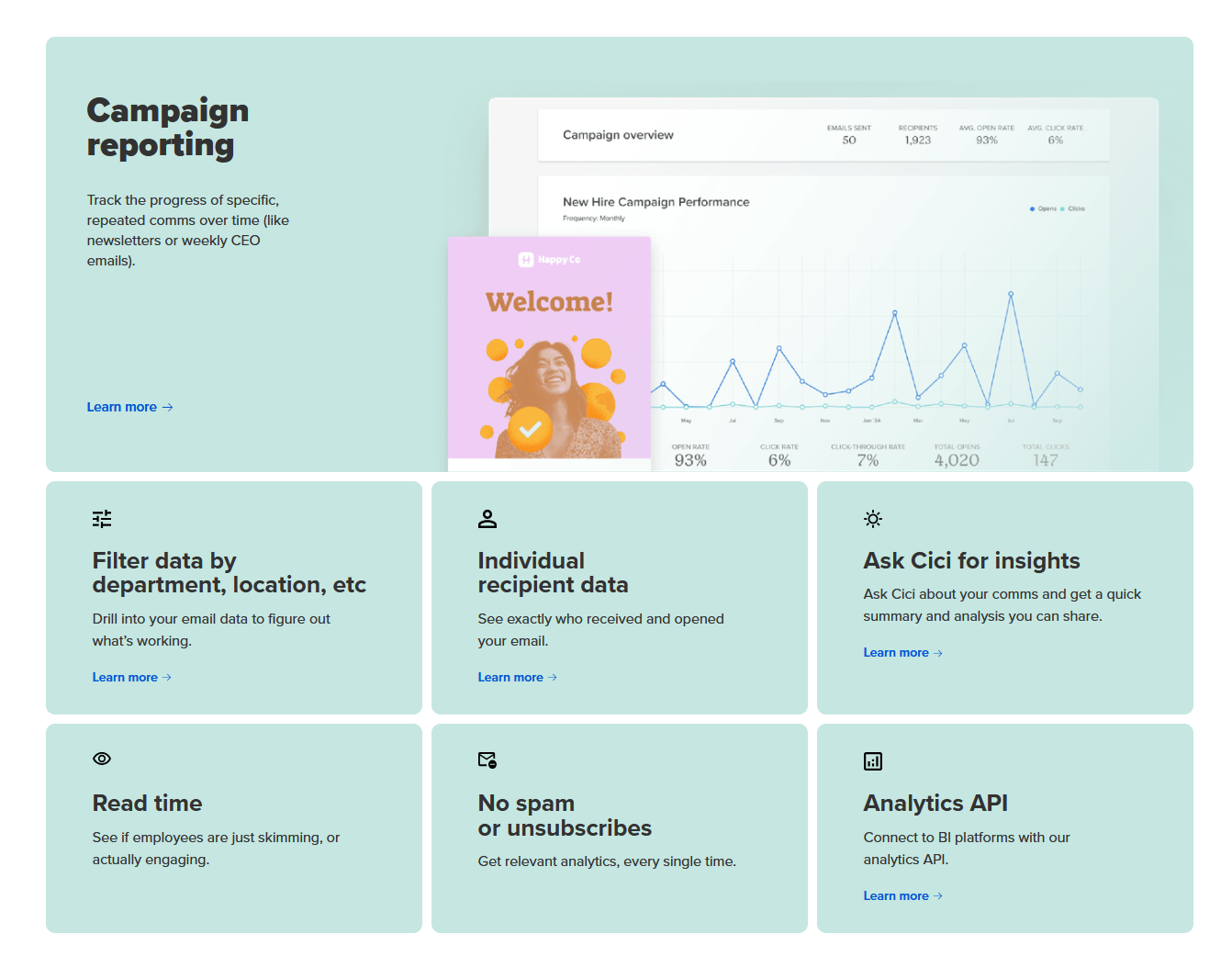
Then the numbers started rolling in, and for the first time we could see what was working:
No baseline existed. We had no way to measure email engagement before Workshop, so our first sends established it. Company-wide open rate has held at about 42% over the last six months.
Frontline engagement was the driver. Our largest population, frontline installers, rarely checks email. Open rates were 76.7% for corporate and remote employees versus 36.6% for frontline branch employees, and click rates were 5.1% versus 1.7%. Branch employees are about 82% of our audience.
Mobile mattered. About 43% of email reads happen on mobile, so we made every template mobile-first.
Sender name mattered. Over six months, emails from a named individual had a 46.9% aggregate open rate versus 38.9% for department sends, an 8-point lift that correlated with sending from a named person.
Frontline managers became the channel. I launched a weekly manager briefing with key messages and action items for frontline managers to carry out with their crews.
The C-suite also valued the reporting, especially how quickly we could send pulse checks and get feedback.
Extending the System: Journeys
When Workshop launched Journeys, its automation tool, I saw a chance to help another team. I met with our customer success manager to learn the use cases, then pitched it to HR for Benefits Open Enrollment, a natural first fit. We built a five-email series (October 17 to November 18, 2025) with the details and downloadable resources employees needed, and Journeys sent each one on schedule, so HR no longer had to send reminders to each group by hand.
The series reached about 3,100 recipients per send, with a 44% aggregate open rate and a 3.8% aggregate click rate. The November 11 launch email drew the most clicks, at 5.3%. Journeys has since become a regular part of our toolkit: in Q3 2026, 92 automated emails to targeted segments averaged an 8.69% click rate, compared with 3.50% for company-wide broadcasts.
Results
Went from no engagement data to analytics on every send.
Built 84 custom templates (16 by me, the rest shared across the team), onboarded 23 platform users, and sent 452 emails to over 3,000 people, roughly 757,000 deliveries since launch.
Average click rate per email was 6.65% in our launch quarter (Q3 2025) and 7.65% in Q3 2026. Aggregate click rate moved from 4.65% to 2.82% as sends grew from 18 to 115, mostly small, targeted Journeys.
In our annual survey, "My email keeps me well informed" rose from 3.57 to 3.64, and email quality and clarity rose from 3.88 to 3.91, on a 5-point scale. The 2025 survey was our first Workshop send, so it served as the baseline.
Reflection
If I ran this again, I'd send a few plain emails ahead of launch explaining that our messages were about to look different, and why. The jump to fully designed emails caught people off guard, and some mistook them for phishing. A little advance communication would have saved us from reassuring people after the fact.